
Where to go
Your Waltz workspace
Before you start
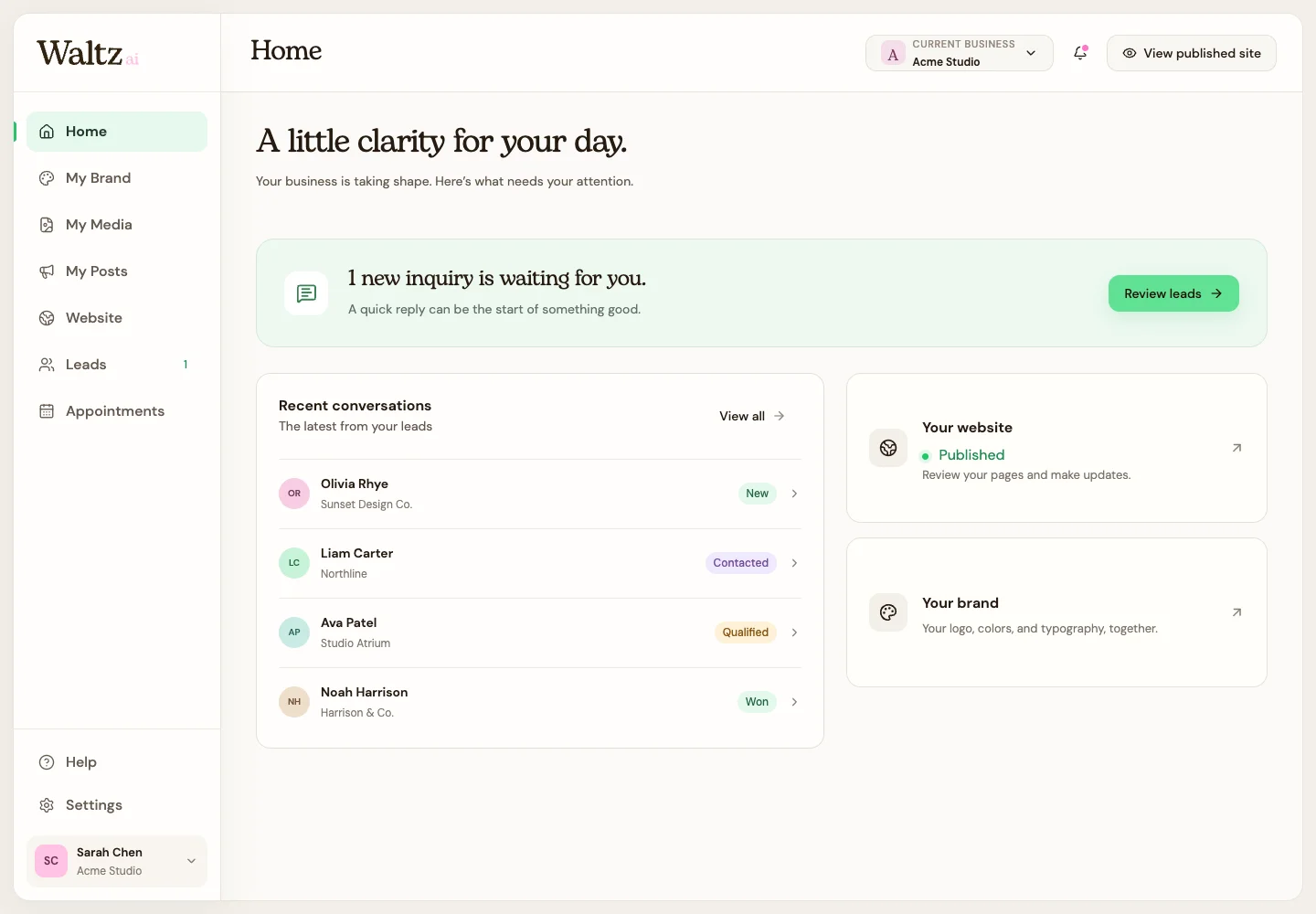
Start on Home for an overview, then choose the area that matches what you want to do.
Step by step
-
Use My Brand for your saved logo, colors, and fonts.
-
Use My Media to upload files or create images, videos, and eligible 3D models.
-
Use My Posts to make branded image posts and videos for sharing.
-
Use Website for pages, editing, publishing, your address, and search-sharing details.
-
Use Leads for inquiries, forms, labels, and private notes. Use Appointments for bookable options, available hours, and requests.
-
Use Settings for Business profile, My account, Notifications, and Plan & billing.
See the steps
Use these views to find the controls as you follow the guide.
What happens next
You can choose the right workspace without searching through unrelated settings.
Helpful tips
-
An image in My Media is a reusable file. A creation in My Posts is a finished design built for sharing.
-
Your account details and your public business details have separate settings.